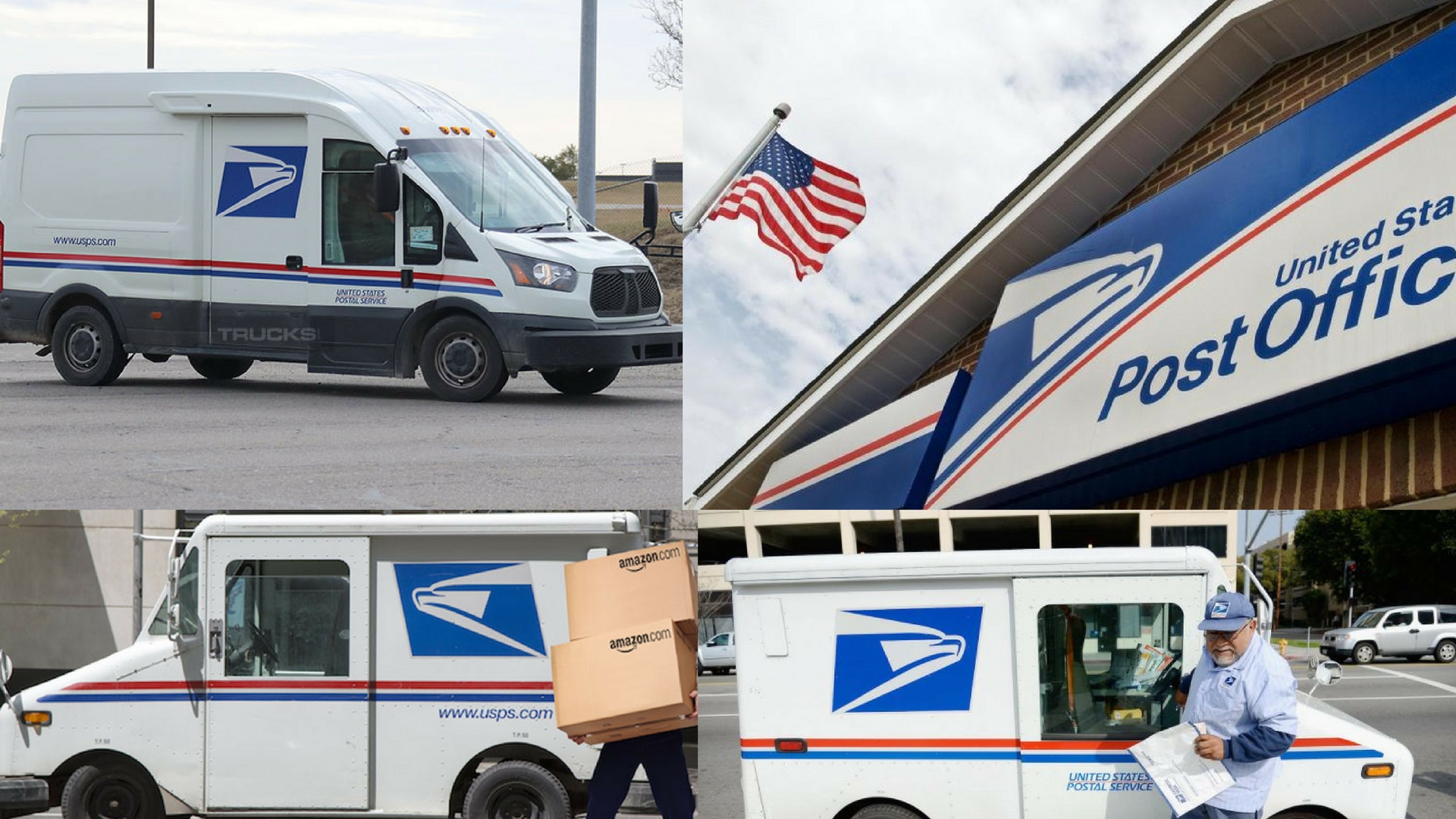
The United States Postal Service (USPS) is one of the largest employers in the country, with over 600,000 career and non-career employees. To manage such a massive workforce efficiently, USPS created LiteBlue – an internal, secure web portal exclusively designed for its employees. Launched in the early 2000s and continuously updated since, LiteBlue United States Postal Service has become the central hub where postal workers access payroll information, benefits, career tools, schedules, and official communications.
What Exactly Is LiteBlue?
LiteBlue (accessible at liteblue.usps.gov) is the official employee portal of the United States Postal Service. It is not open to the public – only current USPS employees with valid credentials can log in. The platform serves as a one-stop digital workplace that replaces countless paper forms and phone calls that employees previously had to deal with.
The name “LiteBlue” reflects both the lighter shade of blue in the USPS branding and the idea of making administrative tasks “lighter” and faster for employees.
Key Features Available on LiteBlue United States Postal Service
- Payroll and Earnings Statements Employees can view and download current and historical pay stubs (up to 40 previous statements), check deductions, taxes, allotments, and net pay – all in real time.
- Benefits Enrollment and Management During Open Season or after qualifying life events, employees use LiteBlue to enroll or make changes to health insurance (FEHB), dental/vision (FEDVIP), flexible spending accounts (FSAFEDS), Thrift Savings Plan (TSP) contributions, and life insurance.
- eOPF (Electronic Official Personnel Folder) A digital version of every employee’s personnel file: SF-50s, performance reviews, training records, disciplinary actions, and more.
- PostalEASE The self-service module for managing allotments, direct deposit changes, tax withholding (W-4), and Thrift Savings Plan adjustments.
- eIdeas and Suggestion Program Employees can submit cost-saving or efficiency ideas directly to management and track their status.
- Career Development & Job Bidding Access to eCareer where employees bid on new positions, view job postings nationwide, check promotion eligibility, and manage their career profile.
- Redd – Retirement Estimation Tool Employees close to retirement can run detailed annuity estimates under both CSRS and FERS systems.
- Employee Deals & Discounts Exclusive offers on travel, entertainment, electronics, and services through partnerships.
- Official News and Announcements Direct communication from USPS headquarters, union updates (APWU, NALC, NPMHU, NRLCA), and local notices.
Security and Access Requirements
Security is paramount because LiteBlue contains sensitive personal and financial data. Access requires:
- An 8-digit USPS Employee Identification Number (EIN)
- A 4-digit USPS PIN (older method) or a Self-Service Profile (SSP) password using single sign-on (SSO)
- Two-factor authentication (ACE login with MFA via text, email, or authenticator app) since 2021
- Connection only through approved networks or the USPS VPN when off-site
USPS regularly reminds employees never to share credentials and to log out from shared or public computers.
Mobile Access and the LiteBlue App
While there is no official standalone “LiteBlue mobile app” in the Apple App or Google Play stores (beware of fake apps!), employees can access the full site on smartphones and tablets by going to liteblue.usps.gov in any browser. The site is mobile-responsive and works well on modern devices.
For quick paycheck viewing, many employees also use the separate official “USPS Mobile” app feature called “Informed Delivery” (for customers) or the “Postal Employee Network” shortcuts, but core LiteBlue functions remain web-only.
Common Issues and Troubleshooting
Despite improvements, employees sometimes face login problems:
- “Invalid Employee ID or Password” → Most often caused by forgotten PIN/SSP password or locked account after too many attempts. Solution: Use the self-service password reset or call the HelpDesk at 1-877-477-3273 (option 1).
- CAPTCHA or MFA failures → Clear browser cache, try incognito mode, or switch browsers.
- Slow loading → LiteBlue traffic spikes every other Wednesday/Thursday after payroll posts.
- VPN required from home → Install Cisco AnyConnect or use the new GlobalProtect client.
The Evolution of LiteBlue United States Postal Service
When LiteBlue launched around 2003–2004, it replaced older green-screen systems and paper processes. Major upgrades came in:
- 2016–2017: Complete visual redesign and introduction of the Self-Service Profile (SSP)
- 2020–2021: Mandatory multi-factor authentication (MFA) rollout
- 2023–2024: Integration with the new Human Capital Enterprise System (HCES) and improved eCareer platform
- 2025 (ongoing): Enhanced accessibility features and darker-mode interface testing
Why LiteBlue Matters to Postal Employees
For letter carriers, clerks, mail handlers, and supervisors, LiteBlue is more than just a website – it is often the only way to:
- See exactly how much overtime or Sunday premium will appear on the next check
- Change health plans when a baby is born or a spouse loses coverage
- Bid on a better route or shift hundreds of miles away
- Print proof of employment for a car loan or apartment application
- Stay informed during severe weather office closures or national emergencies
In short, LiteBlue United States Postal Service saves thousands of hours of administrative work every single day across the country.
The Future of LiteBlue
USPS has confirmed that a major platform modernization project (codenamed “Blue Horizon”) is in development. Expected improvements include:
- Native mobile app (finally!)
- Real-time push notifications for pay posting and schedule changes
- AI-powered chat assistant inside LiteBlue
- Integration with the new Delivering for America workforce planning tools
While no official launch date has been announced, pilot testing began in select districts in late 2024.
Conclusion
LiteBlue United States Postal Service remains an indispensable tool that reflects the Postal Service’s commitment to giving its employees fast, secure, and paperless access to everything they need to manage their careers and compensation. Despite occasional technical hiccups, it has dramatically improved the workday for hundreds of thousands of postal workers – and with ongoing upgrades, it will only get better.
Whether you’re a new CCA checking your first paycheck or a 30-year veteran running retirement estimates, LiteBlue is where postal employees turn first.
Stay safe, stay Blue, and always log out when you’re done!
FAQ – LiteBlue United States Postal Service
Q: Is LiteBlue.usps.gov the only official site? A: Yes. Never use third-party sites offering “LiteBlue login help”. The only official address is https://liteblue.usps.gov
Q: I forgot my PIN and password. What do I do? A: Call the USPS Employee Self-Service HelpDesk at 1-877-477-3273 and press 1. Have your Employee ID and Social Security number ready for identity verification.
Q: Can family members access my LiteBlue account? A: Absolutely not. Sharing credentials violates USPS policy and can result in disciplinary action.
Q: Why can’t I log in from my personal phone anymore? A: Since 2021, most off-site access requires the USPS VPN (Cisco AnyConnect or GlobalProtect) plus MFA.
Q: Is there a LiteBlue app? A: No official app exists in public stores. Use your mobile browser and bookmark liteblue.usps.gov.
Useful Links
- Official LiteBlue Login – https://liteblue.usps.gov
- USPS Employee HelpDesk & Resources – https://about.usps.com/employee-resources
- Wikipedia – United States Postal Service – https://en.wikipedia.org/wiki/United_States_Postal_Service
- Medium article on USPS digital transformation (example) – https://medium.com/@postalnews

